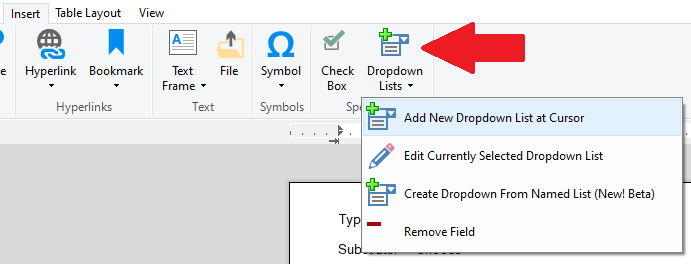
Simple dropdown lists can be added in both the basic text editor and the advanced text editor. Click on the insert tab and then select 'Add New Dropdown List at Cursor' button:
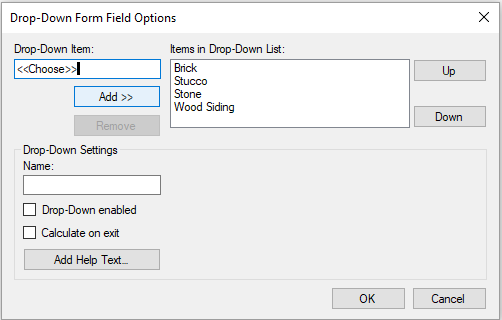
The dropdown list dialog will appear. The primary functions used are the add / remove / and up / down. We suggest always adding an item <<Choose>> to the list and then selecting that as the initial dropdown value. This will provide a hint the dropdown exists. The <<Choose>> is also hidden when a report is rendered.
Click OK.
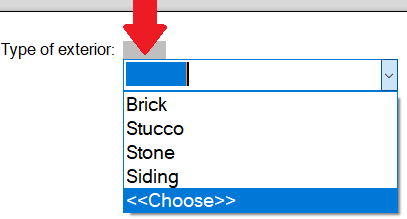
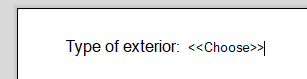
Initially there is no text visible when a dropdown is first added so immediately click in the area of the dropdown and select the <<Choose>> dropdown item: