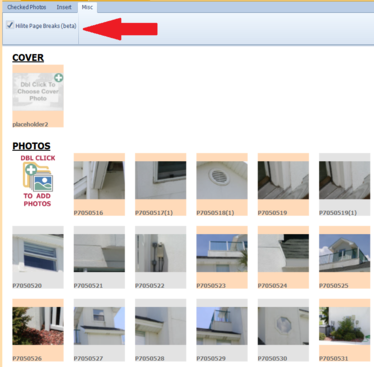
There is a new Option to Highlight page breaks (experimental). This feature will alternate the background behind the thumbnails on the view tab to give you a hint of where the page breaks will occur on the report pages (see tan and gray highlights on image to left). This can be useful when you want to keep photos together on a particular page. This slows Photo View tab refresh time slightly. You can turn the feature on or off on the Misc tab at the top of the Photo View tab: